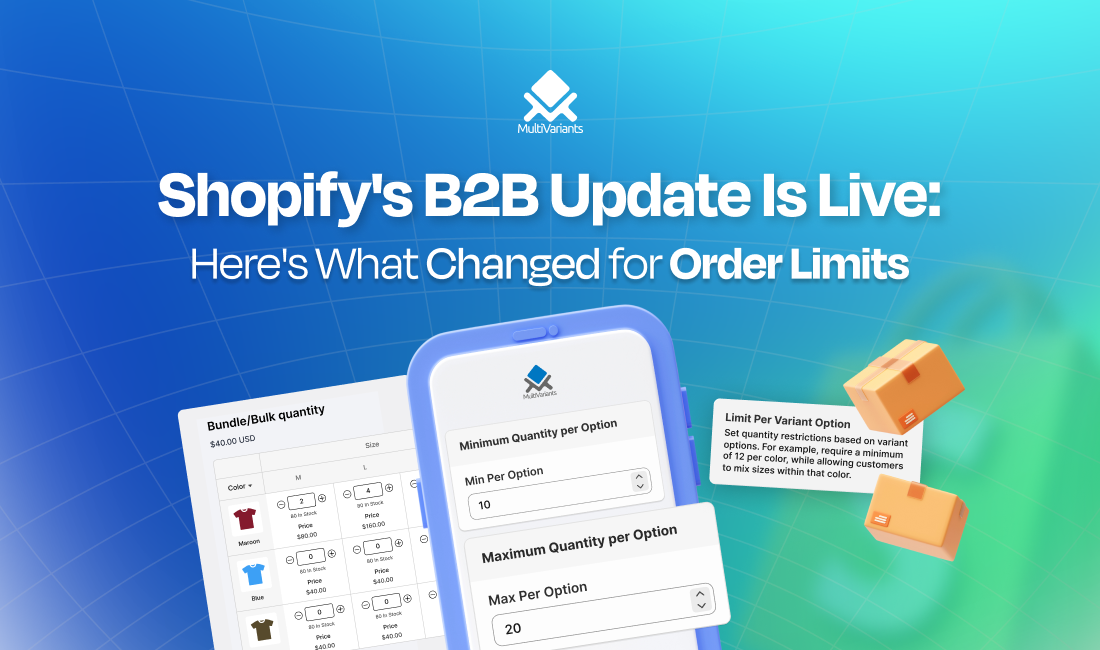
Shopify B2B update, April 2026, is one of the most meaningful changes the platform has made for wholesale merchants in years. For the first time, merchants on Basic, Grow, and Advanced plans can access native B2B features, including order limits, without paying for Shopify Plus or patching together workarounds. That’s a big deal.
But “native order limits” means something specific. It doesn’t mean every quantity control problem is solved. This post breaks down exactly what changed, what the new quantity rules actually do, and whether you still need a dedicated order limit app.
Table of Contents
Shopify B2B Update: What Was Released
On April 2, 2026, Shopify extended its core B2B features to every paid plan at no extra cost. Previously, these were locked behind Shopify Plus at $2,300/month.
What’s now available on Basic, Grow, and Advanced:
- Company profiles: dedicated accounts for wholesale buyers, with their own pricing and permissions
- Up to 3 custom catalogs: each with tailored pricing for different buyer groups
- Quantity rules and volume pricing: minimum, maximum, and increment rules per product or variant
- Payment terms: Net 7, 15, 30, 45, 60, 90
- Vaulted credit cards: buyers can save payment methods for faster reordering
- PO numbers: supported on all B2B orders
According to Shopify Changelog, For merchants who’ve been manually emailing invoices or running hidden discount codes to manage wholesale, this removes a lot of friction.
What the Quantity Rules Actually Do in The New Shopify B2B Update
This is where it gets specific and where most coverage of this update stops too early.
Shopify’s native B2B quantity rules let you set three types of controls on your products, per variant, within a catalog.
Minimum: the lowest quantity a buyer can purchase of a variant in one order. If you sell candles in cases of 6, you set the minimum to 6. A buyer can’t check out with 3.
Maximum: the highest quantity a buyer can purchase in one order. Useful if you’re managing stock or limiting bulk orders on certain SKUs.
Increment: forces purchases in specific multiples. Set it to 12, and buyers can order 12, 24, 36, but not 15 or 20. Practically useful for anything sold in case packs, boxes, or units of a specific size.
These rules apply at the variant level. So if you sell a supplement in three sizes, 30-count, 60-count, and 90-count, you can set different minimums for each variant independently.
You can also stack quantity rules with volume pricing. Buy 24 units, get a lower price per unit. Buy 48, get an even lower price. Up to 10 price breaks per product.
That’s genuinely useful. And it’s all managed inside your Shopify admin, no separate app, no code.
Where Native Works Well
If your wholesale setup is straightforward, the native tools are likely enough. Specifically, you’re probably fine with native if:
You have a small number of wholesale accounts, say, under 20, grouped into one to three pricing tiers. You sell products in consistent case packs or set increments. Your buyers log in through company profiles and order from a dedicated catalog. You don’t need different rules for different individual customers within the same tier.
For a merchant just getting started with wholesale, this removes the setup barrier entirely. You can have company accounts, catalog pricing, and quantity rules live in an afternoon, without touching an app or writing a line of code.
Where You’ll Still Hit a Wall
The update is real progress. But it has limits worth knowing before you assume native covers everything.
Rules only apply to B2B company accounts. If you run a blended store, selling to both wholesale buyers and regular DTC customers, native quantity rules only kick in for buyers logged into a company profile. Your DTC customers aren’t covered. If you need order limits on your general storefront too, native won’t handle that side.
Rules are per-catalog, not per-customer. Everyone inside a catalog sees the same rules. You get three catalogs on non-Plus plans. If you need Customer A and Customer B in the same market to have different minimums, that’s not possible natively below Plus.
No cart-level minimums. Native quantity rules work at the product and variant level. There’s no native way to say “your total order must be at least $500” or “you must buy at least 50 units across the cart.” Those cart-level rules don’t exist in the native B2B stack.
A real bug to watch for. Merchants on non-Plus plans have reported that quantity rules disappear from a catalog after assigning a Market to it. If you set up rules and then assign your catalog to a Market, which is how non-Plus catalog assignment works, check that your rules are still intact.
So Do You Still Need an Order Limit App?
You need an order limit app or not, depending on what you’re trying to do.
Native is probably enough if: You’re just getting started with wholesale. You have a simple tier structure that fits within three catalogs. Your rules are consistent across buyers in each tier. You only need quantity controls for your B2B buyers, not your retail customers.
You likely still need an app if: You need order limits on your DTC storefront too. A order limit app will help you if you need different rules for individual customers, not just tiers. You need cart-level minimums, a minimum order value or total quantity across the whole cart. You sell a mix of products where some have complex variant-level rules that go beyond what a single catalog can handle cleanly.
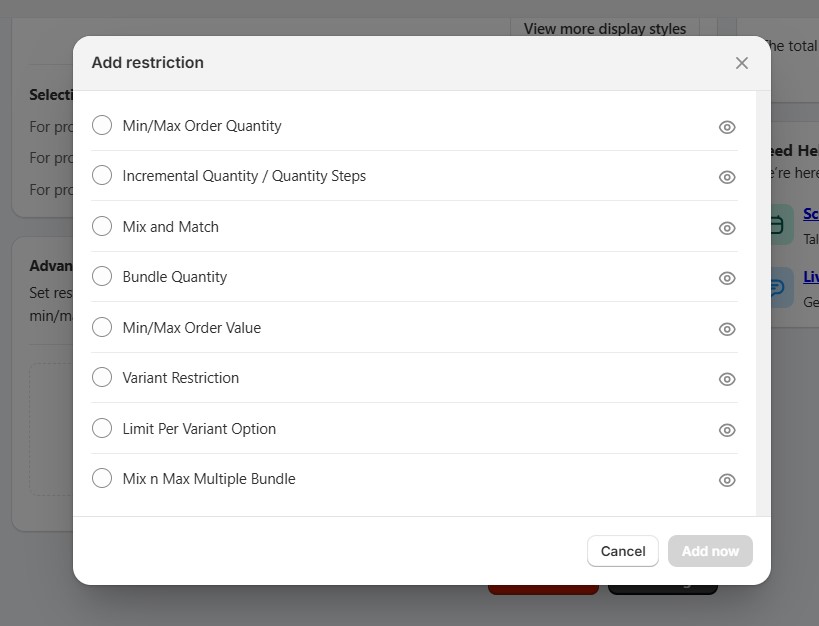
If you’re in the second group, the best Shopify order limit apps cover these scenarios in detail, including which apps handle variant-level rules, cart minimums, and DTC + B2B setups on the same store.
Shopify B2B Update: FAQ
Do Shopify’s native quantity rules work for DTC customers too, or just B2B?
Just B2B. Native quantity rules only apply to buyers logged into a company profile. Regular storefront customers aren’t affected.
Can I set different minimums for different individual wholesale customers?
Not on non-Plus plans. Rules are set at the catalog level, so everyone in the same catalog gets the same rules. Individual customer rules require Shopify Plus or an app.
My quantity rules disappeared after I assigned a Market to my catalog. What happened?
This is a known issue on non-Plus plans. Assigning a Market to a catalog can wipe quantity rules. Re-add your rules after assigning the Market and verify they’re saved.
I already have an order limit app. Should I switch to native now?
Not necessarily. If your app handles DTC rules, per-customer rules, or cart-level minimums — native doesn’t replace that. If you only need basic B2B catalog rules, native might be enough. Worth comparing what your app does against what’s covered above.
Can I set a minimum order value (e.g. $500) instead of a minimum quantity?
Not natively. Shopify’s B2B quantity rules are unit-based, not value-based. For order value minimums, you still need an app or Shopify Functions. If you want to understand all the ways order limits work on Shopify, this breakdown covers the basics clearly.
Wrapping Up
Shopify’s B2B update is a genuine step forward. For merchants running simple wholesale operations, the native quantity rules are solid and the setup is straightforward. You don’t need to buy your way into Plus or juggle extra apps just to set case pack minimums for your wholesale buyers.
That said, native has a defined ceiling. If your store serves both wholesale and retail customers, needs per-customer rules, or relies on cart-level minimums, the native stack isn’t quite there yet. Knowing where that line sits means you can make a clear decision, use what’s built in where it works, and fill the gaps where it doesn’t.